
Download Toolsaday – Free AI‑Powered Content Creation Assistant
Overview
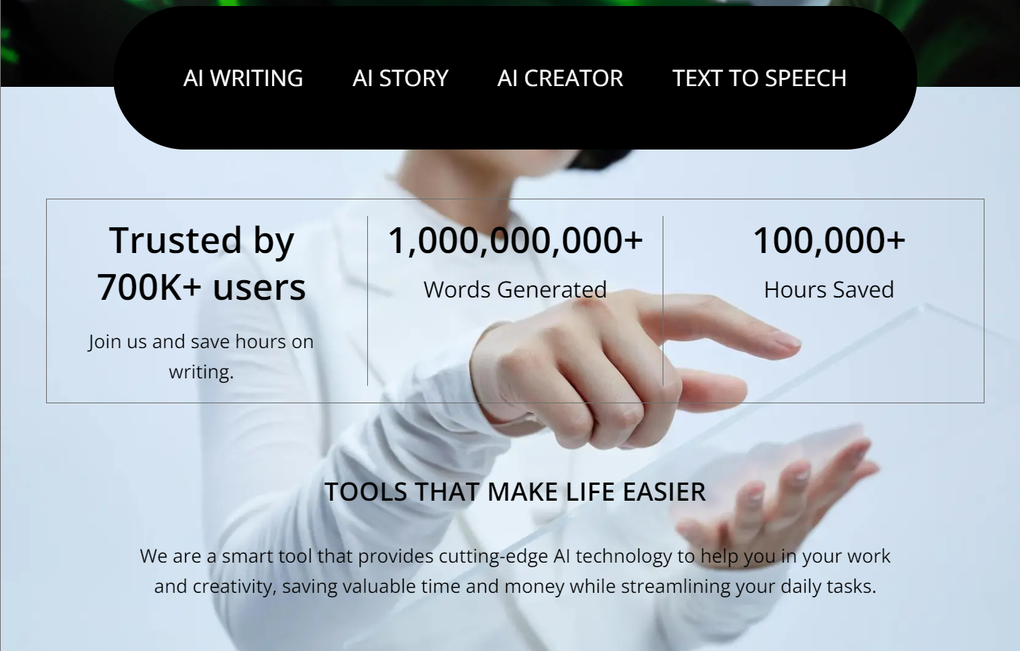
Toolsaday is a web‑based, all‑in‑one AI assistant that aims to streamline every step of the content creation workflow. Built on advanced natural‑language models, the platform delivers a suite of tools ranging from writing and paraphrasing to storytelling, ad‑copy generation, and even text‑to‑speech conversion. Because it runs entirely in the browser, there is no need to install heavyweight software, making it an ideal solution for writers, marketers, small businesses, and anyone who wants to produce high‑quality copy quickly and securely. The platform is free to use, regularly updated, and designed with a clean, intuitive interface that reduces the learning curve for both beginners and seasoned professionals. Whether you need a quick email draft, a polished blog post, or a compelling audio narration, Toolsaday promises to save time, boost productivity, and keep your content pipeline moving at full speed.
Key Features of Toolsaday
- AI Writing Assistant: Generate original articles, product descriptions, and marketing copy in seconds.
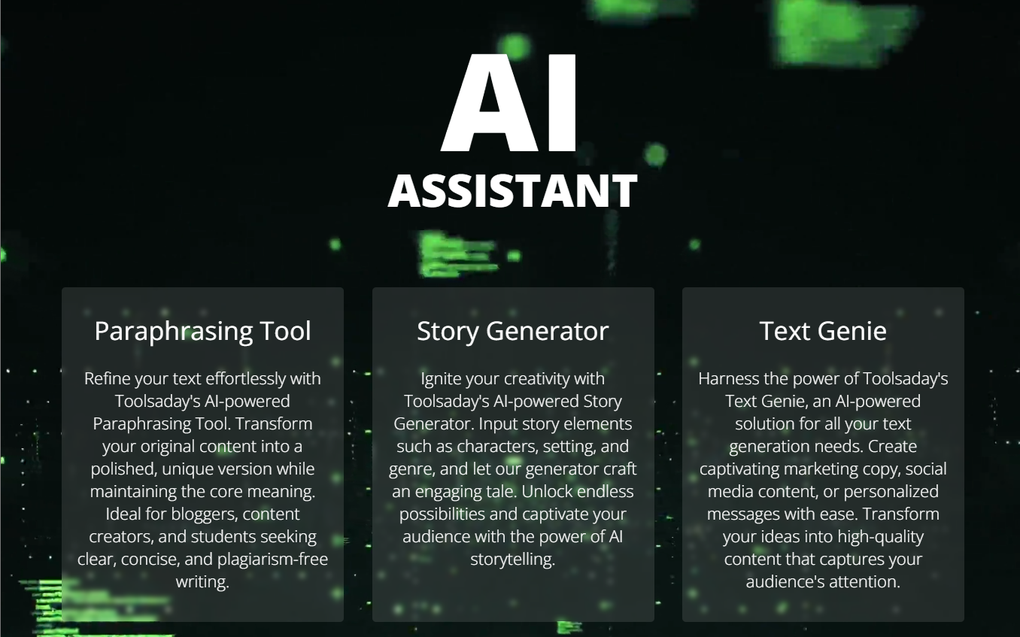
- Paraphrasing Tool: Instantly rephrase sentences while preserving meaning and SEO value.
- Story Generator: Create engaging narratives, character arcs, and plot outlines for fiction or brand storytelling.
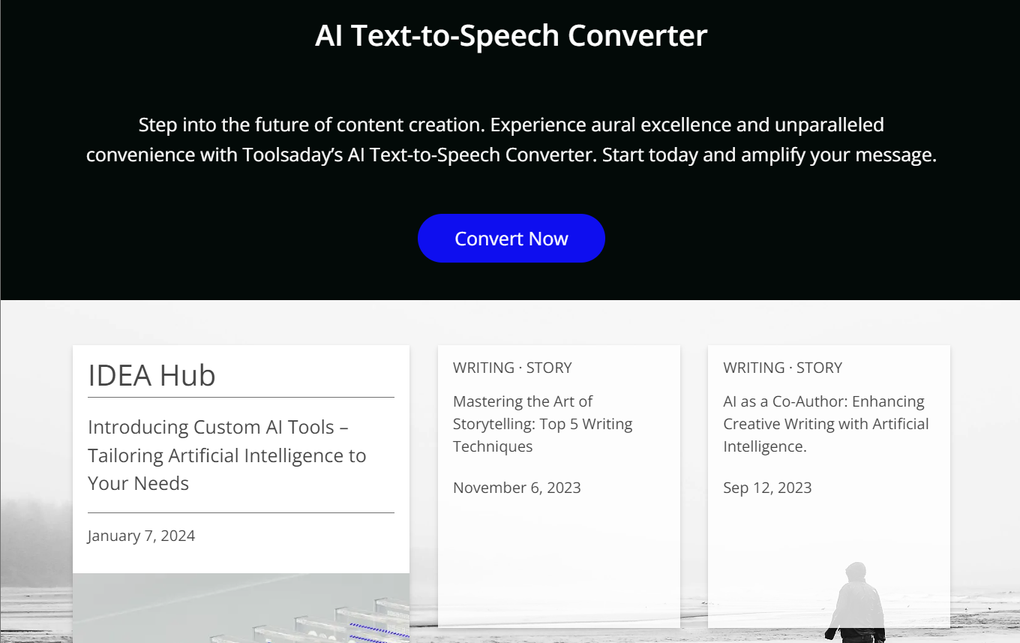
- Text‑to‑Speech Converter: Turn any written content into natural‑sounding audio files for podcasts or accessibility.
- Text Genie: A fast‑track utility for short‑form content such as tweets, headlines, and taglines.
- Document Management: Upload, convert, and organize files without leaving the browser.
- Value Calculator: Perform quick calculations or conversions directly within the interface.
- Regular Updates: New tools and enhancements are added weekly, ensuring you always have the latest AI capabilities.
- Multi‑Language Support: Generate and translate content in several major languages.
- Secure Cloud Processing: All data is encrypted in transit, and no personal files are stored permanently on the server.
The breadth of Toolsaday’s feature list means you can replace a handful of separate applications with a single, secure web portal. While each tool is powerful on its own, the real advantage comes from the seamless integration that lets you move from idea to final output without copying and pasting between windows. For teams, this translates into faster turnaround times and fewer version‑control headaches.
Installation & Usage Instructions
Because Toolsaday is a cloud‑based service, the installation process is virtually nonexistent. Follow these simple steps to start creating content right away:
- Visit the Official Site: Open your preferred browser (Chrome, Firefox, Edge, Safari) and navigate to toolsaday.com.
- Create a Free Account: Click “Sign Up,” provide an email address, and set a strong password. You can also use Google or Microsoft single‑sign‑on for quicker access.
- Verify Your Email: A verification link will be sent to your inbox. Click the link to activate your account.
- Select a Tool: From the dashboard, choose the AI tool you need – e.g., “Write Article,” “Paraphrase,” or “Text‑to‑Speech.”
- Enter Your Prompt: Type a clear, concise instruction. For example, “Write a 500‑word blog post about sustainable travel trends.”
- Generate & Refine: Click “Generate.” The AI will produce a draft within seconds. Use the built‑in editor to tweak tone, length, or add keywords.
- Export Options: Download the final text as .docx, .txt, or copy directly to your clipboard. For audio, download the MP3 file generated by the Text‑to‑Speech tool.
- Save & Share: You can save projects to your personal library for future edits or share a secure link with teammates.
The interface is designed for speed: most tools feature a single‑click “Generate” button, and the AI responds in real time. If you encounter any latency, clearing your browser cache or switching to a wired internet connection often resolves the issue. For power users, the platform also supports bulk uploads—drag and drop multiple files to batch‑process paraphrasing or conversion tasks.
Compatibility, Pros & Cons
Toolsaday works on any modern operating system that supports a web browser, including Windows 10/11, macOS Ventura and later, Linux distributions, as well as mobile platforms such as Android 8+ and iOS 13+. Because it’s a browser‑based app, you can switch seamlessly between desktop and mobile devices, making it a truly cross‑platform solution.
Pros
- Completely free with no hidden subscription fees.
- All tools are accessible from a single dashboard, eliminating the need for multiple downloads.
- Fast, AI‑driven content generation saves hours of manual writing.
- Secure, encrypted connection protects your data during processing.
- Regular feature updates keep the platform on the cutting edge of AI technology.
- Intuitive UI suitable for beginners and experts alike.
Cons
- Advanced customization options are limited compared to premium, desktop‑only AI suites.
- Occasional non‑intrusive ads can interrupt the workflow.
- Some niche tools (e.g., industry‑specific jargon generators) are not yet available.
- Reliance on an internet connection; offline usage is not supported.
- Export formats are basic; users needing complex layout files may need additional software.
Overall, the strengths of Toolsaday—its zero‑cost model, breadth of functionality, and ease of access—far outweigh the minor drawbacks. For most content creators looking for a fast, reliable assistant, the platform delivers excellent value.
Frequently Asked Questions
Is Toolsaday really free to use?
Yes, all core tools on Toolsaday are free. The platform may display non‑intrusive ads, but there are no hidden subscription fees or paywalls for the primary features.
Do I need to install any software?
No. Toolsaday runs completely in your web browser, so there is nothing to download or install. Just sign up, log in, and start using the tools.
How secure is my data?
All data transmitted between your device and Toolsaday’s servers is encrypted with HTTPS. The platform does not permanently store your files, and you can delete any project from your library at any time.
Can I use Toolsaday on mobile devices?
Absolutely. The responsive design works on Android and iOS browsers, allowing you to generate copy or convert text to speech on the go.
What languages does the AI support?
Toolsaday currently supports English, Spanish, French, German, Portuguese, and several other major languages for both generation and translation.
Conclusion – Start Creating with Toolsaday Today
If you’re searching for a versatile, no‑cost AI assistant that can handle everything from blog drafts to audio narration, Toolsaday checks all the boxes. Its browser‑based architecture eliminates the hassle of installations, while the ever‑growing toolbox keeps you ahead of the competition. Though it lacks deep‑dive customization for highly specialized projects, the platform’s speed, security, and ease of use make it an indispensable addition to any marketer’s or writer’s arsenal. Ready to boost your productivity? Sign up for free today, explore the suite of tools, and experience the future of content creation.



.png)



